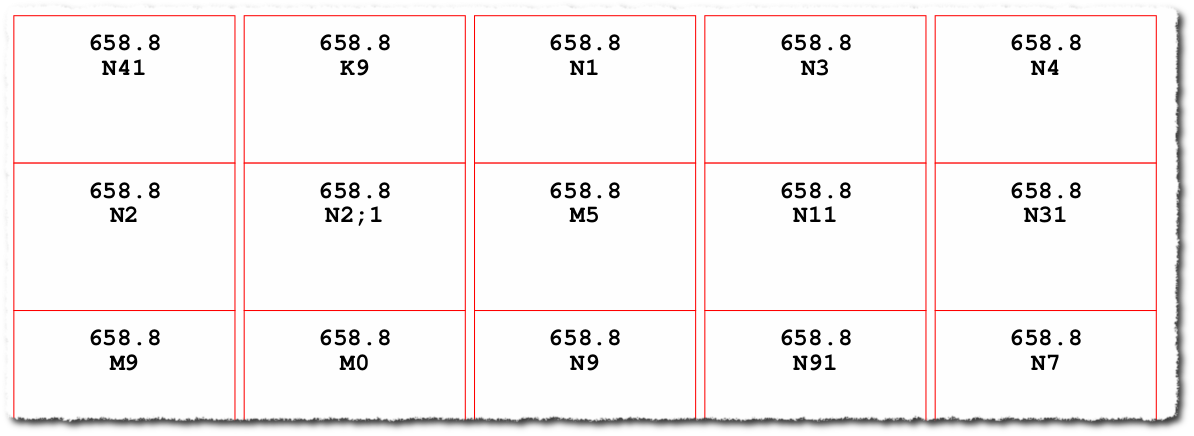
QR Code is better than a barcode in terms of technology and data storage. We can make use of QR code on all types of labels (e.g. spine, Membership card). Here is a GLabels template make use of like a spine label.
Install GLabels
sudo apt install glabels
Download the GLabels template from here and extract it. One template file and a CSV file inside the folder. Users can enter book details in a CSV file. The template file designed for self-adhesive label A4 paper (65 labels).

Libraries can find and buy QR Code scanner from local suppliers and online shopping sites like Amazon. Such scanners support both barcode and QR Code scanning.
Courtesy: QR Code GLabel template created by Mr. Subeesh Gopinathan, Librarian, St. Mary’s Women’s College for Teacher Education, Thiruvalla, Kerala State-689101.